Free tools / article-schema-generator
Free tool — generator
Article Schema Generator
Say what a page is called, who wrote it and when, in a form a machine reads rather than infers from your layout. One block of text to paste into that page.
free runs in your browser
Your article
0 fields filled
Example data the grey text in each box below is an example — type your own, and anything left empty is left out of the block
article-schema.json
valid ✓What we checked
Runs entirely in your browser. Nothing you type leaves this page. (checkable — open your network tab)
What comes out
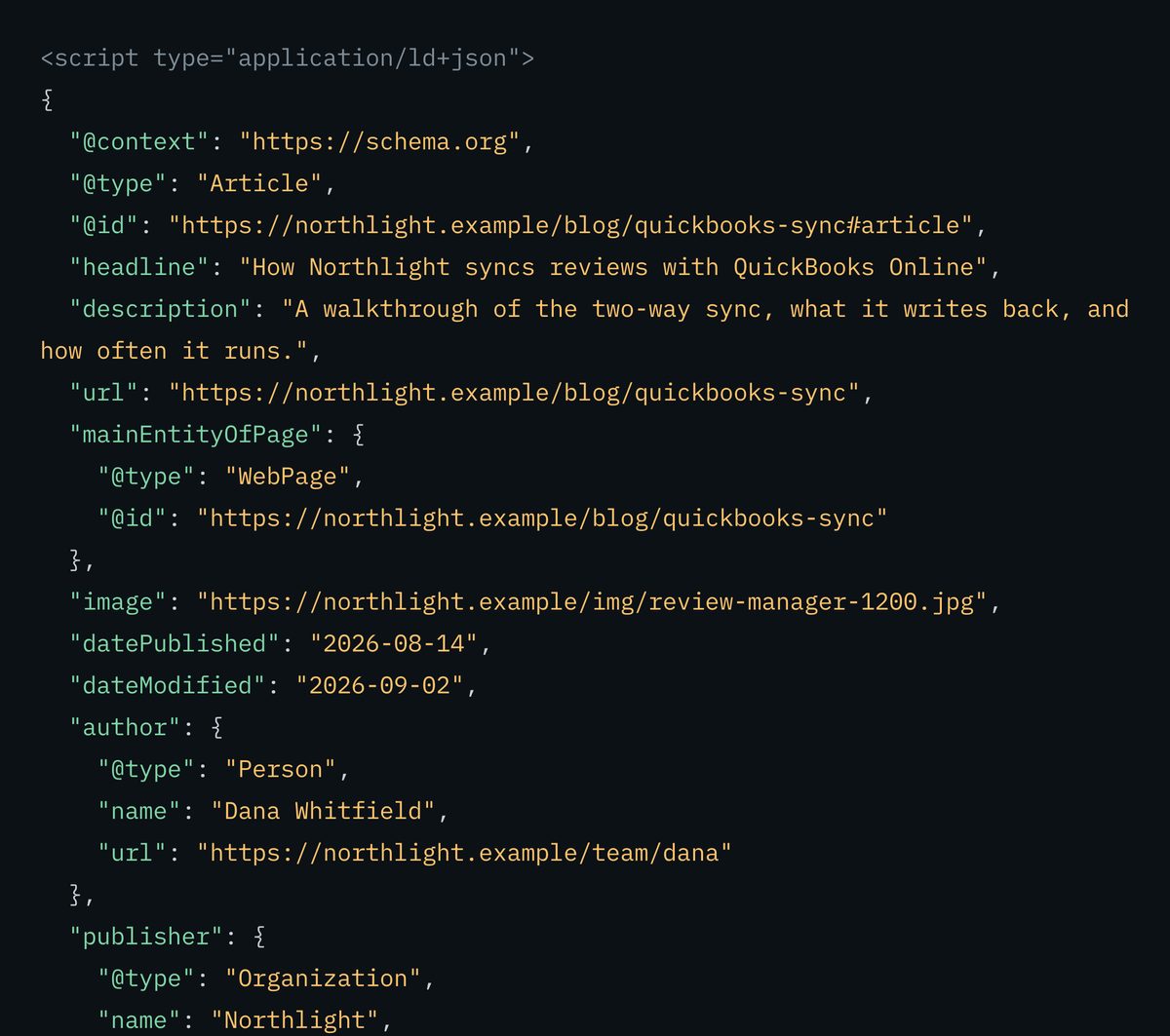
Not what the panel above shows before you type — this is that same panel, photographed once every box was filled in for an invented business, and nothing in the output that was not in a box.
Why this tool exists
The byline is the box everyone skips
who wrote the northwind guide to storing cold brew?
The guide appears on the Northwind Coffee Roasters site. No author is named.
A page already contains everything this block describes. The heading is the headline. The line under it is the byline. The date is in the footer, or in the URL, or nowhere. All of that is legible to a person because a person reads layout — and a machine reading the same page is guessing, from font sizes and positions, at facts you could simply have stated.
The one worth the most is the byline. Google’s published guidance on helpful content asks four separate questions about authorship: whether a page carries a byline where one might be expected, whether it is self-evident who wrote the content, whether the byline leads to further information about that author, and whether the use of automation is disclosed. Two of those four are exactly what the author boxes below carry — a name, and a page that says more about them. The other two are about your page, and no markup fixes them.
Which is also the limit. This describes the page; it cannot improve it. If nobody is named on the page, the fix is to name somebody on the page, not to type a name in here. A byline that exists only in markup is the same defect as a rating nobody gave — a claim made to machines that a reader cannot verify.
Box by box
What to fill in, and what to leave blank
These are the boxes on the form. Two of them are worth more than the rest put together, and two of them are where people quietly invent something.
01
Kind of page
Article covers almost everything. NewsArticle is for news, not for a guide you would like to look topical; TechArticle is documentation. Pick the narrow one only when it is literally true.
02
Headline
The heading a reader sees at the top of the page, character for character. A different headline here describes a page that does not exist, which is the fastest way to make the whole block worthless.
03
Page address
The page this block goes into. It becomes the name the block gives itself and the page it says it belongs to, so anything else added later can point at this one rather than repeating it.
04
Description
What the page covers, in the words the page uses. Worth writing well: it is the sentence most likely to be lifted whole and repeated back to somebody who has not clicked.
05
Author name and author page
The pair that matters. A name alone is a string; a name plus a page describing who they are and what they know is a person. Add the page, and make sure it opens.
06
Published date
One real date, or none. Approximating it is inventing a fact about your own site, and it is the one field where the wrong answer is trivially contradicted by an archive.
07
Last updated
Only when the page really changed. It is deliberately not copied from the published date, and moving it forward on untouched text is a freshness claim you cannot support.
08
Publisher
Name and logo, both or neither. If your site already has an Organization block, the name here must match it exactly — two spellings of one company is two companies.
- headlinethe heading printed at the top of the page
- authorthe name under it, plus the page that says who they are
- datePublishedthe day it first went live
- imagethe lead picture, at an address anyone can open
What you get
One block of text, and where it goes
This is the real output for the sample the form opens with — the same text the copy button puts on your clipboard.
<script type="application/ld+json">
{
  "@context": "https://schema.org",
  "@type": "Article",
  "@id": "https://northwindroasters.example/blog/storing-cold-brew#article",
  "headline": "How to store cold brew so it keeps for two weeks",
  "url": "https://northwindroasters.example/blog/storing-cold-brew",
  "mainEntityOfPage": {
    "@type": "WebPage",
    "@id": "https://northwindroasters.example/blog/storing-cold-brew"
  },
  "image": "https://northwindroasters.example/img/cold-brew-jar-1200.jpg",
  "datePublished": "2026-08-14",
  "author": {
    "@type": "Person",
    "name": "Sam Northwood",
    "url": "https://northwindroasters.example/team/sam-northwood"
  },
  "publisher": {
    "@type": "Organization",
    "name": "Northwind Coffee Roasters",
    "logo": {
      "@type": "ImageObject",
      "url": "https://northwindroasters.example/logo-600.png"
    }
  }
}
</script>
Note what is not there: no last-updated date, no section, no language, no description. Those boxes were left empty in the sample, so they produce no lines at all.
- Paste it into that one article’s page. One page, one block — your blog index lists articles, it is not itself one.
- Point at your business rather than restating it. If your site already carries an Organization block, the publisher name here has to be the same name, spelled the same way, or the two never join up.
- Generate it again when the page genuinely changes, and move the last-updated date only then. A date that moves on its own is the one claim in this block that anybody can check against a cached copy.
There is no step where you wait for anything. The text is finished the moment you have typed your details in, and it takes effect as soon as the page carrying it is live.
What this checks, and what it cannot
The honest limits of a tool
that never leaves your tab
Every rule the validate button runs is listed below. The line that matters most is the last one: nothing on this page fetches anything, so it can never tell you whether the headline you typed is the heading on your page.
What we checked
- PASSa headline is present, and the page address is a complete web address
- PASSthe output parses as valid JSON
- PASSthe output survives being pasted inside a script block — text you type cannot close it early and spill onto your page
- WARNHTML tags in any value — written safely, so they cannot break the page you paste this into, but these boxes take plain words
- WARNa headline over 110 characters — that is a summary, not the heading on a page
- FAILa date not written as YYYY-MM-DD, or a last-updated date earlier than the published date
- WARNno published date, or a published date in the future
- WARNno author name — the byline is the part both a reader and a machine look for first
- FAILan author page address, an image address or a publisher logo address that is not a complete web address
- WARNno author page, no picture, a duplicate picture, or an address that does not end in an image file type
- WARNa publisher name with no logo, or a logo with no publisher name
- WARNno description
- NOTEthe headline cannot be compared with the heading on your page, and the byline cannot be checked against a person — nothing here is fetched
- NOTEstructure only — it cannot confirm the author page opens, that the picture loads, or that any of this matches what is published
The rule that decides whether this helps or hurts
This block describes what is actually on that page. A headline nobody sees, a name nobody printed, a date that moved because a plugin touched a file — each one is a statement to a machine that a reader would contradict. The rule is one source of truth: the page states it, the block repeats it, and when the page changes the block is generated again. If a fact is missing from the page, the fix is to put it on the page; typing it in here only makes the mismatch bigger.
Limitations, stated plainly
This tool checks that the block is put together correctly, not that it is true. It cannot open your page, so it cannot confirm the headline matches the heading, that the author exists, or that the dates are real — nothing on this page fetches anything at all. It handles one article at a time; questions and answers, products and your business details have their own generators, linked below. And no block of this kind, from any tool, makes an assistant quote your article. It makes the facts about it stated rather than inferred, which is a smaller and different thing.
Fair questions
Short answers.
We use our own tool on this page.
Can I put a name in the byline if the page does not show one?
You can type anything into any box; the question is whether it is true. A byline that exists only in markup is a claim made to machines that a reader cannot verify, and it is exactly the mismatch that makes markup stop being trusted. If nobody is named on the page, the fix is to name somebody on the page and then come back here.
Why is the last-updated date not filled in from the published date?
Because they are different claims. A published date says when the page appeared; a last-updated date says somebody changed it since. Copying one into the other would manufacture the second claim out of the first, and moving that date forward on text nobody touched is a freshness claim anybody can contradict with a cached copy.
Should the author be a person or my company?
A named person is the stronger of the two. Google’s published guidance on helpful content asks whether a page carries a byline, whether it is self-evident who wrote the content, and whether the byline leads to further information about the author — three questions a company name answers thinly and a named person with a profile page answers fully. Use the organisation only when nobody is genuinely willing to be named, and know that you are choosing the weaker answer.
Does this go on my blog index page too?
No. An index page lists articles; it is not one. Marking it up as an article describes something the page is not, and it puts one headline and one date on a page that carries twenty. Generate this once per article, on that article’s own page.
Where does my data go when I use this?
Nowhere. Everything happens inside your own browser tab — what you type is never sent to a server, and nothing is stored. That is checkable: open your browser’s network panel while you use it.
A byline is not an answer
The markup says who wrote it.
Nothing yet says it is quotable.
Headline, byline and dates tell a machine what this page is. They say nothing about whether any paragraph in it can be lifted and used on its own — which is the thing an assistant actually needs. The AI Content Checker reads your article and reports where a section opens with a back-reference instead of a standalone sentence, and which headings are shaped like the question they answer.
Check how my article is written Check itfree · no card