Free tools / faq-schema-generator
Free tool — generator
FAQ Schema Generator
Turn your FAQs into something an AI assistant can quote accurately. One block of text to paste in, or to hand to whoever built your site.
free runs in your browser
Questions and answers
2 pairs
Example data the form opens with a sample — type over it
faq-schema.json
valid ✓What we checked
Runs entirely in your browser. Your questions never leave this page. (checkable — open your network tab)
Why this tool exists
Most tools like this still sell you something Google switched off
how long does termite treatment last?
Most liquid barrier treatments protect a structure for 5 to 8 years, depending on soil and construction.
Here is what the other tools on this page of Google won’t tell you: Google retired those expanded question-and-answer drop-downs entirely: they stopped appearing in search results on 7 May 2026. There is no longer a carve-out for anyone — the earlier exemption for government and health authority sites went with the feature. Tools still promising “rich snippets!” are describing 2022.
So why does this tool exist?
Because the reason to do this changed — it didn’t disappear. The readers that matter now are the AI assistants: ChatGPT, Perplexity, Gemini, Google’s AI Overviews. They don’t show drop-downs. They do something more valuable — they lift answers straight out of your pages and repeat them to your customers. A clean, labelled list of questions and answers is among the easiest things for them to lift accurately: the question says what the customer wants, the answer stands on its own, and the block this tool writes leaves no doubt about where one answer ends and the next begins.
Before you generate
What makes an answer worth quoting
A tidy block around a weak answer just gets the weak answer quoted accurately. Tighten each one against these four first.
01
The first sentence has to stand on its own
Assistants routinely quote a single sentence. If yours starts with “As mentioned above…”, the quote falls apart.
02
40–80 words per answer
Long enough to be complete, short enough to be liftable whole.
03
Ask it the way a customer would ask it
Not the way you say it internally. “How long does termite treatment last?” beats “Treatment longevity.”
04
Numbers survive being quoted. Vague reassurance doesn’t.
“Most orders ship within 2 business days” is quotable. “We pride ourselves on fast shipping” is filler.
Nothing to quote
We pride ourselves on fast shipping.
No number, no promise, nothing a customer can act on. An assistant has no reason to repeat it.
Quotable as written
Most orders ship within 2 business days.
One fact, one sentence, true on its own. This is the shape that gets lifted.
Both sentences are about the same thing. Only one of them survives being pulled out of your page and dropped into somebody else’s answer, which is the only test that matters here.
What you get
One block of text, and where it goes
This is the real output for the two sample questions the tool opens with — the same text the copy button puts on your clipboard.
<script type="application/ld+json">
{
  "@context": "https://schema.org",
  "@type": "FAQPage",
  "mainEntity": [
    {
      "@type": "Question",
      "name": "How long does termite treatment last?",
      "acceptedAnswer": {
        "@type": "Answer",
        "text": "Most liquid barrier treatments protect a structure for 5 to 8 years, depending on soil and construction. Annual inspections catch any breach early."
      }
    },
    {
      "@type": "Question",
      "name": "Is the treatment safe for pets?",
      "acceptedAnswer": {
        "@type": "Answer",
        "text": "Yes, once dry — typically 2 to 4 hours. Keep pets out of treated rooms until then; your technician confirms timing on the day."
      }
    }
  ]
}
</script>
Your own text replaces every line of it. Nothing else is added.
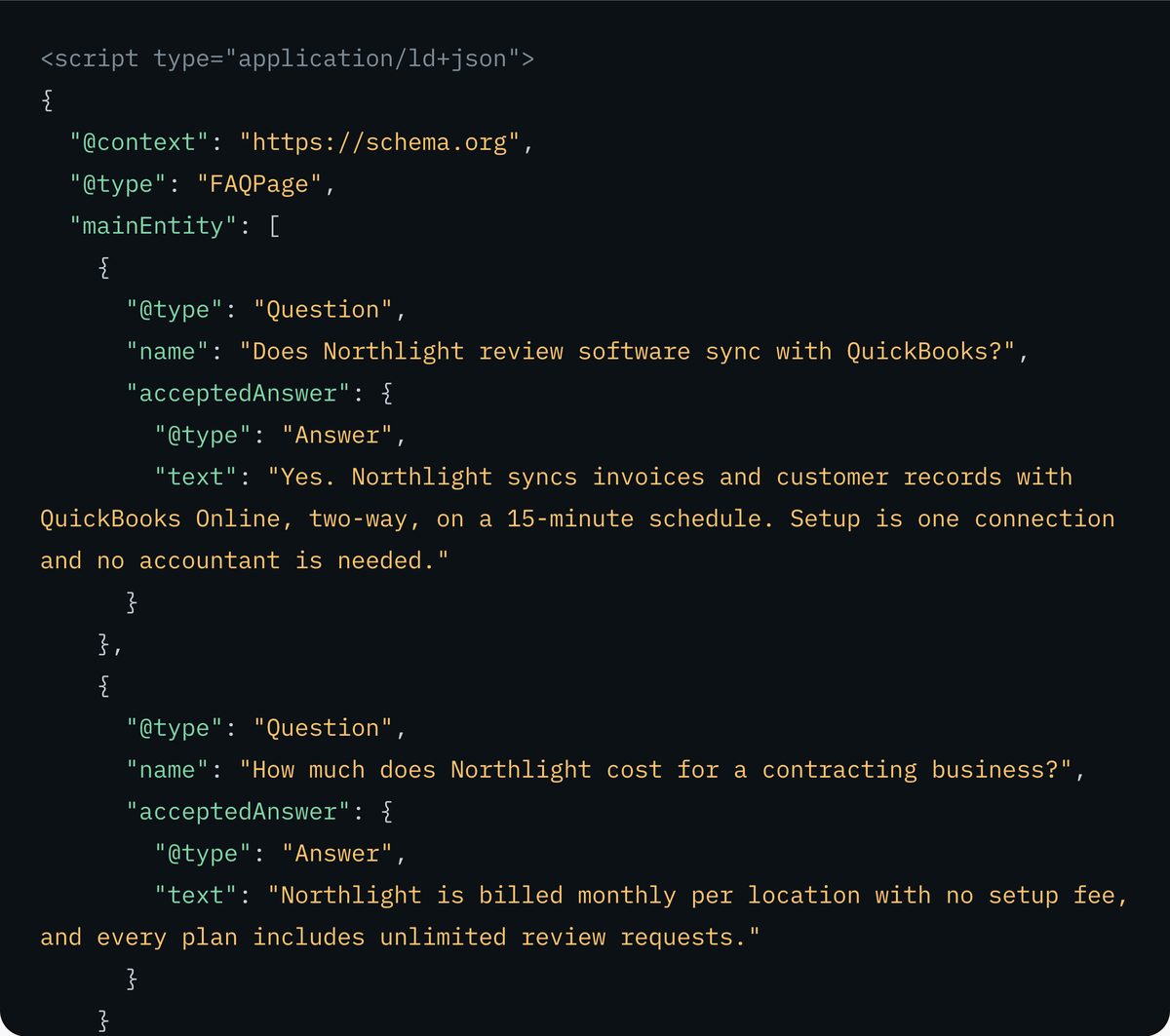
- Paste it into the page where these questions and answers actually appear — that page, not a summary page somewhere else. If someone else looks after your site, this is the bit you send them.
- Keep the two in step. If you change an answer on the page, come back here and generate the block again.
- One block per page. Two on the same page confuse whatever is reading and gain you nothing.
If the page and the block ever drift apart, the block is the one that is wrong — it is a copy, and a copy that no longer matches what a visitor reads is worse than having none at all. That is the whole upkeep: a minute of your time, each time an answer changes.
What this checks, and what it cannot
The honest limits of a tool
that never leaves your tab
Every rule the validate button runs is listed below. What it cannot do is the part worth being clear about: it never opens your page, so it can only tell you whether the block is put together properly, never whether the answers you typed here are the answers a visitor actually reads.
What we checked
- PASSevery question has an answer, and no two questions are the same
- PASSthe output parses as valid JSON
- PASSthe output survives being pasted inside a script block — text you type cannot close it early and spill onto your page
- WARNan answer outside 40–80 words, or a question with no question mark
- WARNan answer that opens with “as mentioned above” and cannot stand alone
- NOTEstructure only — this cannot check that the answers are true, or that they appear on your page
The one rule people get wrong
This block describes what is actually on your page. Filling it with questions that appear nowhere in your page text is the single most common mistake — and every system that compares the two notices, which makes the rest of your site look less trustworthy too. The rule: one source of truth. Write the questions and answers once, put them on the page, and build the block from that same list. Paste the questions you really publish, not the ones you wish you ranked for.
Limitations, stated plainly
This tool checks that the block is put together correctly. It cannot check that it is true — it cannot see your page, so it cannot confirm the answers are there, and it will not warn you if an answer is wrong. It only handles questions and answers; products, your business details and articles have their own generators, linked below. And no block of this kind, from any tool, guarantees you a place in any AI answer — anyone promising that is selling weather control.
Fair questions
Short answers.
We use our own tool on this page.
Does this still help my search rankings?
Not the way older guides claim. Google removed the feature completely — the drop-downs stopped appearing in search on 7 May 2026, with the deprecation notice following on 8 May and the documentation withdrawn on 15 June. The value now is that machines can read it: ChatGPT, Perplexity and Gemini pick up a clean labelled list of questions and answers more reliably than they pick up paragraphs, which improves the odds that when they quote you, they quote you correctly.
Do the questions need to be visible on my page?
Yes. What this tool writes is a description of what is already on the page, not a place to tuck away extra keywords. Describing text that isn’t there is the most common mistake people make with it, and it can make the rest of your site look less trustworthy to the systems that check.
Where does my data go when I use this?
Nowhere. Everything happens inside your own browser tab — the questions and answers you type are never sent to us or to anyone else. That is not something you have to take on trust: open your browser’s network panel and watch while you use it.
How many questions should one page have?
As many as people genuinely ask — usually four to eight. Past that, split them by topic onto the pages where each question belongs, because assistants tie the answers to whatever that page is about.
Does this work for ChatGPT and Perplexity, or only Google?
It is a standard format that nobody owns, so any system that reads it can use it — search engines and AI assistants alike. Whether a particular assistant uses it in a particular answer is that company’s decision, and no tool controls that.
Writing it is the easy part
Now find out whether
the block survived the trip.
FAQ schema is one of the six things the AI Readiness Score fetches off your live page, and it does not just check that the JSON parses — it checks that the answers you marked up are text a reader can actually find on the page. Markup describing text that is not there is the most common way a valid block is worth nothing.
Read my page back Check itfree · no card
Organization Schema Generator
The companion tool — make sure AI knows which business your site belongs to.
robots.txt Generator
Decide which AI companies may read your site, and which may not.
AI Readiness Score
Six technical checks in one score — whether engines can reach, fetch and parse your site.