Free tools / organization-schema-generator
Free tool — generator
Organization Schema Generator
Say who you are in a form a machine reads: your real name, where you are, and the outside profiles that prove it. One block of text to paste into your site.
free runs in your browser
Your organization
0 fields filled
Example data the grey text in each box below is an example — type your own, and anything left empty is left out of the block
organization-schema.json
valid ✓What we checked
Runs entirely in your browser. Nothing you type leaves this page. (checkable — open your network tab)
Why this tool exists
This one describes your business, not a page
tell me about northwind coffee
Northwind Coffee Roasters — a wholesale roaster founded in 2004, based in Leeds.
Everything else on your site describes a page. This block describes you — the business behind all of them. That is a different job, and it is the one AI assistants deal with first, because their opening problem is not ranking you. It is telling you apart from the other companies with a similar name, a similar product and a similar description.
Which is why the part that matters most is the one most tools treat as an afterthought: the list of outside profiles that prove you are you — LinkedIn, Wikidata, Crunchbase, GitHub, a YouTube channel, a review-site listing. Each one sits on a site you do not own, which is exactly what makes it worth something. Filling that list in turns “a website claiming to be Acme” into “the Acme with this LinkedIn page and this Wikidata entry.”
Be exact about what that buys you. None of this makes an assistant mention you — nothing you put on your own server does. It makes you unmistakable, which is a smaller and different claim. What it fixes is the case where an assistant is already talking about your line of work, means you, and attaches another company’s founding date, another company’s logo and another company’s reputation.
Box by box
What to fill in, and what is just box-ticking
These are the boxes on the form. They are not equally worth your time, and two of them are where the mistakes live.
01
Your name
What people actually call you — the trading name on your homepage, not the one on the incorporation certificate unless they happen to be identical.
02
Legal name and other names
A legal name earns its place only when it differs from the name above. “Also known as” is for abbreviations and the name you rebranded away from — that is how you carry a rename, by keeping the old one, not deleting it.
03
Homepage address
One address: the exact one you actually serve. An address that bounces to a different one leaves it unclear which site you really are.
04
Logo
The full web address of a real image file that anyone can open. Google’s stated minimum is 112×112 pixels; roughly square on a plain background is what survives being shrunk to a thumbnail. A logo behind a login is not a logo.
05
Profiles that prove you are you
Profiles on sites you do not own, one address each. Two that are live and correct beat ten that are stale, and a Wikidata entry is worth more than any social account. This is the part the whole page is about.
06
Contact details
Worth filling in when the contact is real and someone answers it. An unwatched info@ address added to tick a box is the pointless version.
07
Postal address
Fill it in if you have somewhere a customer could visit or post to. All of it or none of it: a city with no country is worse than no address at all.
08
Founding date
A single real date. Cheap, factual, and one of the few numbers an assistant can attach to you with confidence — so do not approximate it.
- linkedin.com/company/northwindroasters-example
- wikidata.org/wiki/Q00000000
- crunchbase.com/organization/northwindroasters-example
What you get
One block of text, and where it goes
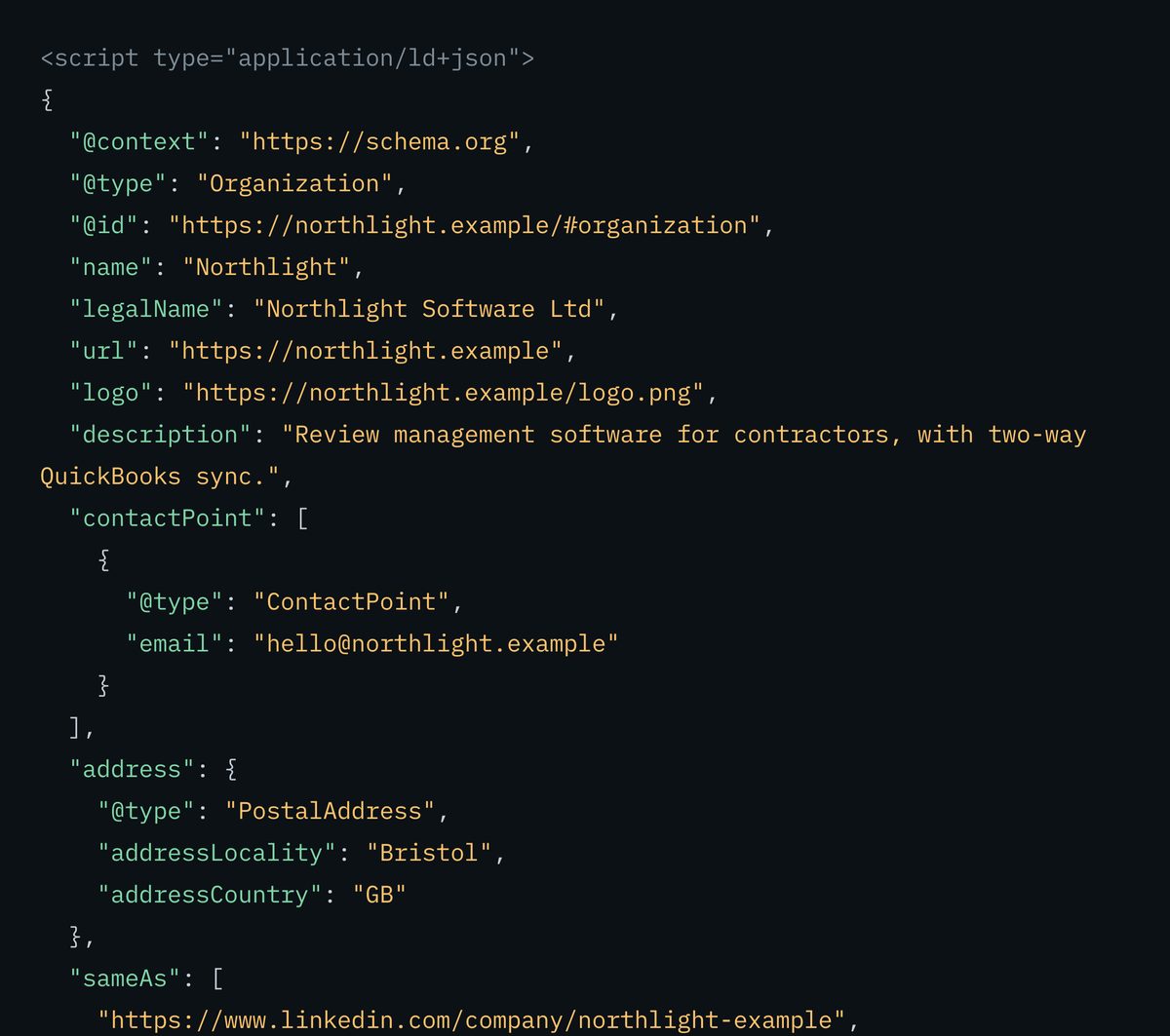
This is the real output for the sample the form opens with — the same text the copy button puts on your clipboard.
<script type="application/ld+json">
{
  "@context": "https://schema.org",
  "@type": "Organization",
  "@id": "https://northwindroasters.example/#organization",
  "name": "Northwind Coffee Roasters",
  "url": "https://northwindroasters.example",
  "logo": "https://northwindroasters.example/logo-600.png",
  "sameAs": [
    "https://www.linkedin.com/company/northwindroasters-example",
    "https://www.wikidata.org/wiki/Q00000000"
  ]
}
</script>
Empty boxes are left out entirely rather than written in as blanks. Your own details replace every line of it.
- Paste it into one page — your homepage or your about page, not both. If someone else looks after your site, this is the bit you send them.
- Point at it rather than repeating it. The block carries a name other blocks can refer back to, so if more are added to your site later they should refer to this one instead of copying it.
- Come back and generate it again when something changes — a new profile, a rebrand, a moved logo. A profile address that leads to a dead page is worse than leaving the list empty.
There is no step where you wait for anything. The text is finished the moment you have typed your details in, and it takes effect as soon as the page carrying it is live.
What this checks, and what it cannot
The honest limits of a tool
that never leaves your tab
Every rule the validate button runs is listed below. The line that matters is the last one: nothing on this page fetches anything, so it can tell you that an address is written properly and never that the page at the other end exists.
What we checked
- PASSa name is present, and the homepage address is a complete web address
- PASSthe output parses as valid JSON, and every profile address is well formed
- PASSthe output survives being pasted inside a script block — text you type cannot close it early and spill onto your page
- WARNthe profile list is empty, has a duplicate in it, or points back at your own site
- FAILthe logo address is not a complete web address, or the founding date is not written as YYYY-MM-DD
- FAILthe email address is not well formed
- WARNa phone number without a country code, or a part-filled postal address
- WARNthe logo box is empty, or the address given does not look like an image file
- WARNa contact type is chosen but neither a phone number nor an email was given
- NOTEthe logo’s size and whether a crawler can reach it cannot be checked here — Google asks for at least 112×112 pixels, and for it not to be blocked in robots.txt
- NOTEstructure only — nothing here is fetched, so it cannot confirm a profile is live or yours
The rule most people get wrong about the profile list
The profile list is not a link dump, and it is not a place for your own pages. Every address should be a profile describing the same business on a site you do not own — and every one should open, be public, and actually be yours. Three checks before you add one: does it load when you are signed out, does it name the same company, and is it current? A dead Crunchbase page and an X account you abandoned are two claims an assistant can go and check, and find wanting.
Limitations, stated plainly
This tool checks that the block is put together correctly, not that it is true. It can see that a profile address is written properly; it cannot open it, confirm it is yours, or confirm the profile is still live — nothing on this page fetches anything at all. It only handles the block about your business; questions and answers, products and articles have their own generators, linked below. And no block of this kind, from any tool, makes an assistant mention you. It makes you unmistakable when one does.
Fair questions
Short answers.
We use our own tool on this page.
What is this block actually for?
It tells any machine reading your site which business the site belongs to: the name, the one true web address, the logo, and the outside profiles that back all three up. Search engines use it for the fact panels you see beside results; AI assistants use it to tell you apart from similarly named companies before they describe you. It describes the business, not the page it sits on.
Which profiles should I list?
Profiles describing the same business, on sites you do not own — LinkedIn, Wikidata, Crunchbase, GitHub, YouTube, a review-site listing, an industry directory. Not your own pages, not affiliate links, not a profile you abandoned three years ago. Every entry is a claim something can go and check, so a short correct list beats a long stale one.
Will this get my business mentioned in AI answers?
No — and be suspicious of any tool that says it will. It makes who you are unmistakable and readable by machines; it does not decide what an assistant says. What it fixes is the case where an assistant is already describing your line of work, means you, and attaches the wrong company’s details.
Where do I put it, and on how many pages?
On one page — your homepage or your about page. If other blocks get added to your site later, they should point back at this one rather than repeating it. Copies drift apart over time, and that drift is what causes the mismatch.
Where does my data go when I use this?
Nowhere. Everything happens inside your own browser tab — what you type is never sent to a server, and nothing is stored. That is checkable: open your browser’s network panel while you use it.
Writing it is the easy part
Pasting it in is where
this usually goes wrong.
Organization schema is one of the six things the AI Readiness Score fetches off your live page, and it checks the part that matters: not that the JSON parses, but that the block carries the fields that actually identify an entity. A block that lost its sameAs to a plugin, or never made it out of the staging site, reads as absent.
free · no card